Community controls page plus tutorials · checked 2026-10-29
Building controls in Melon Sandbox
Last checked 2026-10-29 · rope, bearing, zoom, ui controller
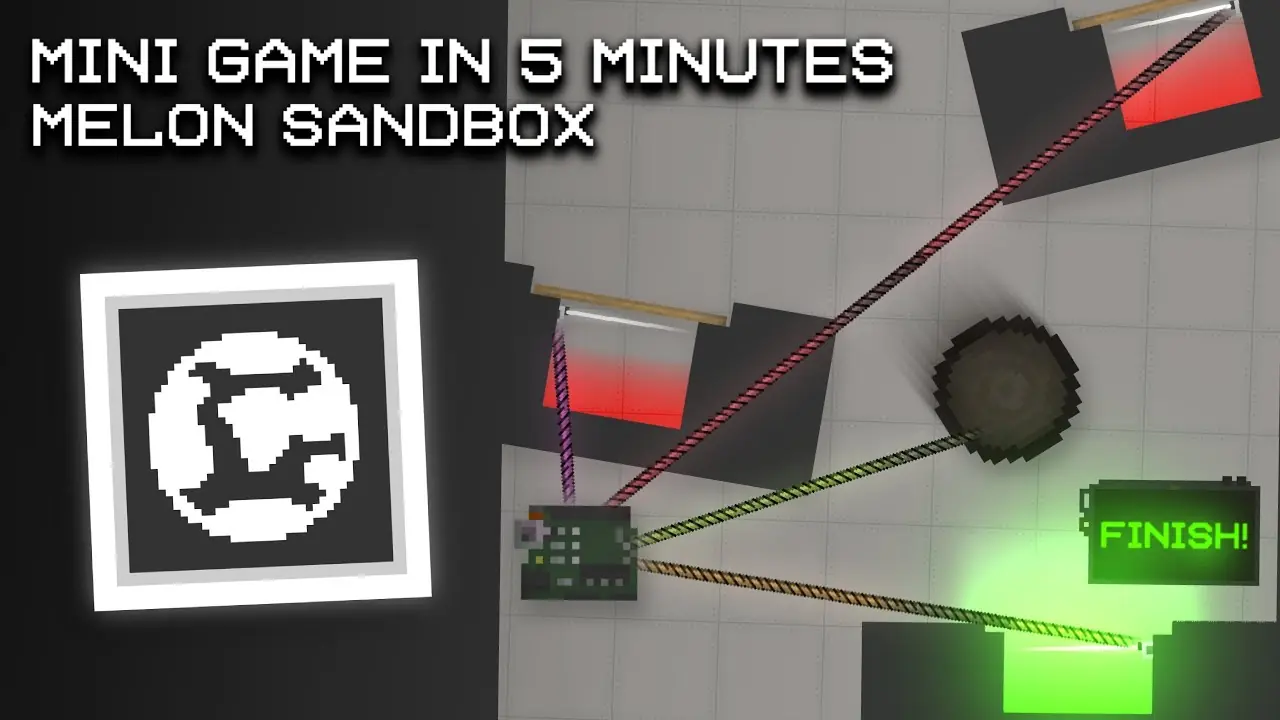
To attach objects, the third-party rope guide describes selecting a rope in Tools, then selecting its two endpoints. Choose a structural link, a signal connection, or a liquid pipe for the job; they are not interchangeable. These are public community instructions, not a publisher-verified 38.x control manual.
Attach objects and open their controls
- Select the rope tool appropriate to the connection, then select the first object and the second object, following the linked rope guide.
- That guide describes selecting the background as the second endpoint to anchor an object to the world. This is not a bearing placement instruction.
- For object settings, the community Controls page describes double-tapping an object to open its context menu. Parent, Freeze, Activate, and Disable Collision are among its options.
Ropes that have stable names
| Name | What guides say |
|---|---|
| Fixed Rope | A stiff link for structures. Wiki also lists a Slider for horizontal or vertical motion. |
| Activation Rope | Carries a signal to a button or Chip. |
| Pipe Rope | Carries liquid, including into a syringe. |
Player videos show extra ropes that bend, stretch, or break. They do not share one English name list, so I am not cataloging them.
UI Control versus a Chip speed display
The UI Control wiki entry is incomplete. The community 30.0 notes mention toggles, integer-only input, and a grab point, but do not supply a complete field-by-field setup. The community speed-meter demonstration instead uses a Chip, Text Screen, and Glow Label to read velocity, round it, and display text. It is a different construction, not a km/h switch in UI Control; the vehicle guide separates those parts.
Slice tool
The wiki says the slice tool draws a white line. If the line crosses an object, it cuts. If it only nicks the object, it deals damage. Cut pieces that are not living usually stop working. The same page mentions Clear Debris when a scene gets heavy.

Questions people ask
How do I attach two objects?
The controls page says double-tap an object for a context menu that includes Parent. Rope guides say pick a rope tool, tap the first object, then the second. Tapping the background pins an object to the world.
How do I place a bearing?
The reviewed public sources do not establish a bearing tool or its placement steps. Parent and Fixed Rope are not verified substitutes for a rotating joint. This guide cannot give a supported bearing sequence.
How do I add km/h to a UI controller?
The working public demo is not the UI Control item. It is a Chip plus a text screen: read velocity, round it, send a string to the screen, and connect them with ropes. See the December 2024 speed-meter video.
How do I zoom?
A 35.1/35.2 video says zoom range increased a lot. It does not state the gesture or a numeric cap. I am not guessing pinch versus buttons.